


























You can use Cexfinder’s tools to estimate trading costs and more.
Trading Fee Calculator
Simply select an exchange below to see exact crypto trading costs on Spot or Derivatives markets:
Trading fee calculator FAQs:
- Is this fee calculator accurate?
The tool uses basic fee rates available globally to most users, and it's as accurate as it can be. We continuously monitor exchange fees and update data accordingly. That being said, some exchanges may have temporary promotional fee rates, special lower (or even higher) fees for certain countries, or other differences or discounts. VIP rates are also not included.
- What's the difference between Spot and Futures?
Simplistically, Spot trading means you get to buy Bitcoin, Ethereum or other assets with ownership. This is for beginners and long-term investors who wish to own cryptocurrency, and the ability to transfer funds to other exchanges or wallets.
You will pay Spot fees only once when buying or selling assets.
Futures is intended for day trading. You do not get to "own" the assets, you can merely speculate on prices and earn (or lose) by trading. All derivatives markets also have regular funding fees, paid multiple times per day. As long as your positions are open, you will pay small variable funding fees every few hours. There is no such funding fee system on Spot.
In summary, if you still don't really understand the difference, you should trade on Spot market.
- What are maker and taker fees?
Simply put, Maker order is the minimum trading fee you will pay for buying or selling a crypto asset. On the other hand, Taker order is the maximum fee you will pay.
Maker/taker, other trading costs and additional fee-related information can be found on our Fee Comparison page.
- Can I use your calculator on my website?
We have simple embed code that lets you add our calculator to any website that supports adding basic HTML. You can find the iframe code by clicking our logo in the top-right corner of the calculator tool.
- You can remove the javascript line in the code if you have your own way of handling proper height. Tool should be fully responsive and work on any website.
- Tool supports light and dark color schemes to fit different websites. Default code includes ?theme=light, but you can replace with ?theme=dark for a dark design.
- You can wrap the entire iframe in a div if you want a custom background color, margins, etc.
With the iframe embed code you will get the exact same tool we use on our website, so you can rest assured there's no funny business. We may track some basic usage data to block bots or excessive abuse, but otherwise there are no limits. Embedding the tool is completely free.
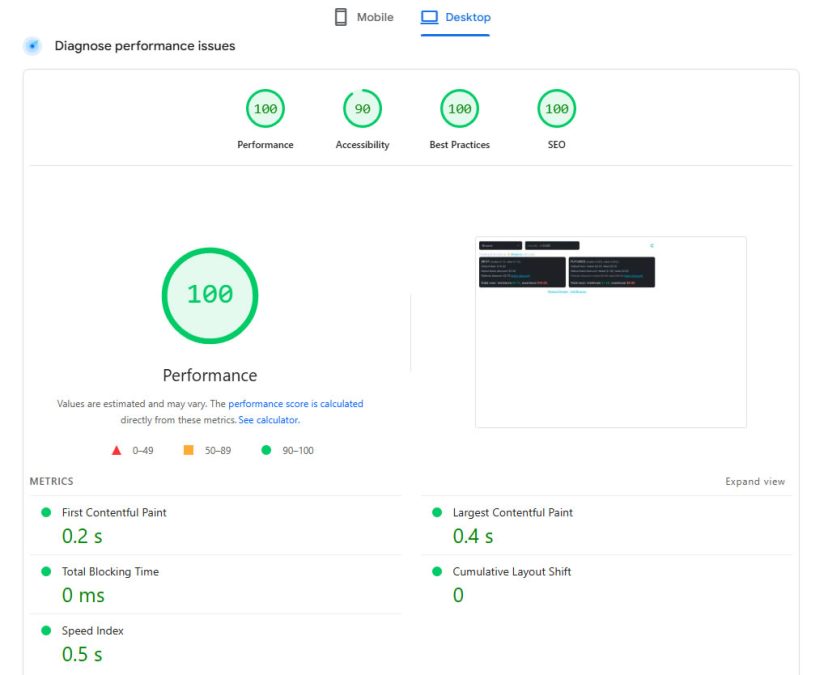
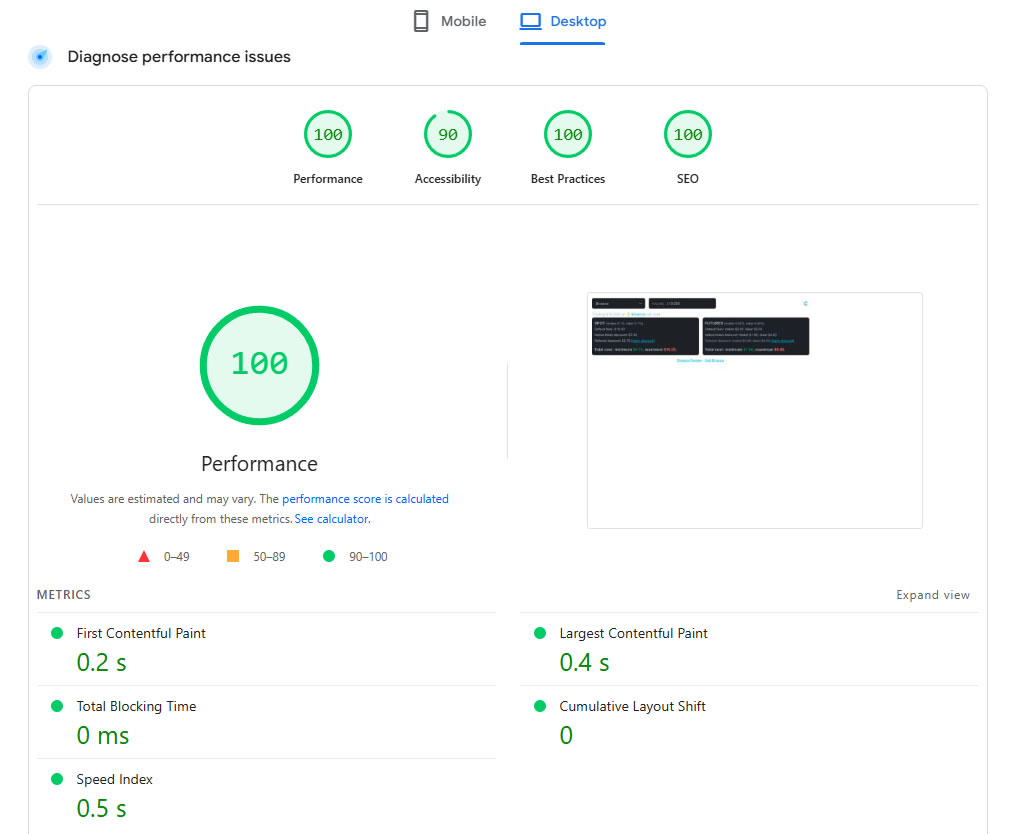
Tool's total size is ~15KB, so it's lightweight and responsive. Adding loading="lazy" to the iframe ensures it doesn't slow down the loading of your website at all.
Keep in mind our code and data is under copyright and we do not allow modifying it in any way. You can use the tool as-is, which does include subtle branding and links to exchanges and our reviews.
Feel free to get in touch if you have any suggestions or feedback on how to make the tool better!
Trading Fee Comparison:
Select two exchanges below to compare their exact crypto trading costs on Spot or Futures markets. You can also optionally activate native token or referral fee discounts (if you use our referral codes).
More information about various trading fees can be found on our Fee Comparison page.

Comparison of deposit and trading fees on biggest crypto exchanges. Find exact fiat deposit and crypto trading fees for spot and futures markets, and learn which cryptocurrency exchanges are cheapest.Read Now
Trading fee comparison FAQs:
- How does the fee comparison tool work?
By selecting two exchanges, you can compare their Spot and Futures trading costs side by side and determine the cheaper exchange. Fees are as accurately displayed as possible, and we update them continuously.
Keep in mind that on certain exchanges exact Maker and Taker fees can depend on user account VIP level (determined by volume, wallet holdings or other factors), temporary promotional campaigns, or country. We do our best to display default fees applicable to majority of customers worldwide.
- Can the fee comparison tool be used on other websites?
By clicking the small Cexfinder logo icon in bottom right corner, you will see the simple HTML/JS embed code. By using this code you can add our tool to any website. Embedding it is completely free, and there are no limits or requirements.
Keep in mind that our code is under copyright and we do not allow modifications or reuse without permission. You are more than welcome to use the tool as provided, and all we ask is to leave the tool as-is and keep our credits intact.
If you require special customizations feel free to contact us and we'll take your feedback into account for future changes.
Embedding the tool also means you will benefit from up to date fees as they are retrieved directly from our website. If any exchange changes their fees, you will not need to update any code.
In the embed code, you can use theme=dark/light/auto if it better suits your website. Auto setting should automatically detect your visitor's browser setting, but you can override it with dark or light to match your website theme. You can also change default exchange selections with exchange1=bybit and exchange2=okx, for example.
More tools coming soon!